


.svg)
.svg)
.svg)
Understanding SoftPOS and Tap to Pay on Phone Technology
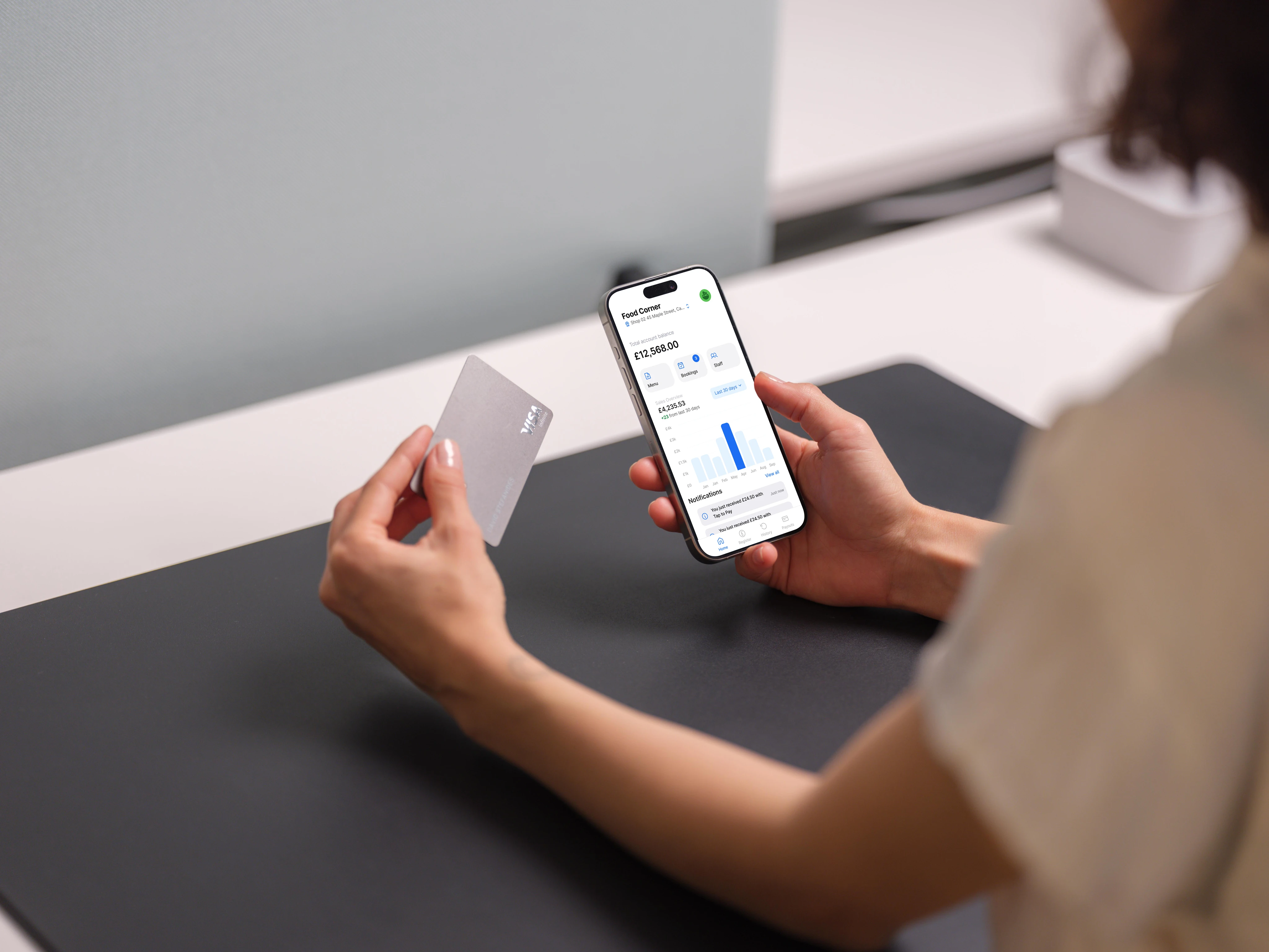
Five years ago, accepting card payments meant investing in dedicated hardware, signing lengthy contracts, and waiting weeks for equipment to arrive. That reality has fundamentally shifted. Today, a smartphone sitting in your pocket can function as a complete payment terminal, processing contactless transactions with the same security standards as traditional point-of-sale systems.
SoftPOS technology transforms NFC-enabled smartphones and tablets into payment acceptance devices without requiring additional hardware. The concept is straightforward: instead of purchasing a separate card reader, merchants download an application that turns their existing mobile device into a secure terminal. Customers tap their contactless cards or digital wallets against the phone, and the transaction processes through the same networks that power traditional terminals.
This shift matters for several reasons. Small business owners no longer need to calculate whether payment hardware costs justify their transaction volume. Pop-up shops, market vendors, and service providers who work on-site can accept cards anywhere with cellular coverage. The barrier to entry for professional payment acceptance has dropped dramatically.
PayCloud's MPOC-certified SoftPOS solution exemplifies this approach, enabling any NFC-enabled Android smartphone or tablet to become a PCI-compliant payment terminal. The technology handles EMV-compliant transactions while maintaining the security standards financial institutions require. For businesses exploring mobile payment acceptance, understanding how this technology works provides the foundation for making informed decisions about implementation.
How NFC Enabled Mobile Payments Work
Near Field Communication creates a secure wireless connection between two devices positioned within a few centimeters of each other. When a customer holds their contactless card or smartphone near a merchant's device, NFC enables the encrypted exchange of payment credentials without physical contact.
The transaction flow happens in seconds. The merchant's softPOS application activates the phone's NFC reader, which broadcasts a signal to nearby payment devices. When a card or wallet enters range, the two devices establish a connection and exchange encrypted transaction data. The payment information travels through the card network to the issuing bank for authorization, and the response returns to the merchant's device.
What makes this secure is the tokenization process. The actual card number never transmits during the transaction. Instead, a unique token represents the payment credentials for that specific interaction. Even if someone intercepted the data, they couldn't use it for fraudulent purchases elsewhere.
The Benefits of Turning Your Smartphone into a Card Reader
The operational advantages extend beyond eliminating hardware costs. Mobility becomes genuinely practical when your payment terminal fits in your pocket. Restaurants can process payments tableside. Contractors can collect payment at job sites. Delivery drivers can handle transactions at the door.
Transaction fees often compare favorably to traditional terminal rates, particularly for businesses with lower monthly volumes. Without hardware lease payments or maintenance contracts, the total cost of payment acceptance drops significantly for many merchants.
Speed of deployment creates another advantage. Traditional terminal setup involves shipping hardware, configuring equipment, and training staff on new devices. SoftPOS implementation typically requires downloading an application, completing account verification, and processing a test transaction. Many businesses go from signup to accepting payments within a single business day.
Hardware and Software Requirements for SoftPOS
Not every smartphone can function as a payment terminal. The technology requires specific capabilities, and understanding these requirements prevents frustration during setup.
Compatible Devices and Operating Systems
Android devices dominate the softPOS landscape due to the operating system's open approach to NFC functionality. Most solutions require Android 8.0 or later, though newer versions provide better security features and more reliable NFC performance. The device must include an NFC chip capable of both reading and writing, which excludes some budget smartphones that only support basic NFC tag reading.
Processing power matters more than you might expect. Payment applications perform encryption and decryption operations that require reasonable computational resources. Devices with at least 2GB of RAM and quad-core processors handle these operations smoothly. Older or underpowered phones may experience delays that frustrate customers during checkout.
iOS support has historically been limited due to Apple's restrictions on NFC access for third-party payment applications. However, recent changes have expanded possibilities for iPhone-based payment acceptance. PayCloud's integration with Apple's Secure Element technology enables hardware-grade security for NFC credentials, opening new possibilities for iOS-based merchants.
Battery life becomes a practical consideration for mobile merchants. Processing payments throughout a busy market day or service calls requires devices that can maintain charge. Many merchants keep backup batteries or charging solutions available to ensure uninterrupted acceptance.
Security Standards and PCI Compliance
Payment Card Industry Data Security Standards govern how merchants handle cardholder data. SoftPOS solutions must meet these requirements to gain certification from card networks and maintain merchant eligibility.
MPOC certification, which stands for Mobile Payments on COTS (Commercial Off-The-Shelf devices), specifically addresses software-based payment acceptance on standard smartphones. This certification confirms that the application properly encrypts data, protects against tampering, and maintains security throughout the transaction process.
PayCloud's solution maintains both PCI compliance and MPOC certification, ensuring merchants meet regulatory requirements without managing complex security infrastructure themselves. The application handles encryption, secure data transmission, and compliance logging automatically.
Merchants should verify that any provider they consider holds current certifications. Ask for documentation and confirm certification status directly with PCI SSC if needed. Operating with non-compliant solutions exposes businesses to liability and potential fines.
Step-by-Step Guide to Setting Up Your Solution
Implementation follows a predictable path regardless of which provider you choose. Understanding each step helps you prepare documentation and set realistic expectations for your launch timeline.
Choosing the Right SoftPOS Provider
Provider selection deserves careful consideration beyond comparing transaction fees. Integration capabilities matter if you use existing point-of-sale software, accounting systems, or inventory management tools. Some providers offer APIs that connect directly to business systems, while others operate as standalone solutions.
Transaction limits vary between providers. Some cap individual transactions at certain amounts, while others restrict daily or monthly processing volumes. Understand these limits relative to your typical transaction sizes and volumes before committing.
Support availability becomes critical when issues arise during busy periods. Evaluate whether providers offer phone support, chat, or email only. Check their support hours and response time guarantees. A provider with slightly higher fees but reliable support often proves more cost-effective than a cheaper option that leaves you stranded during problems.
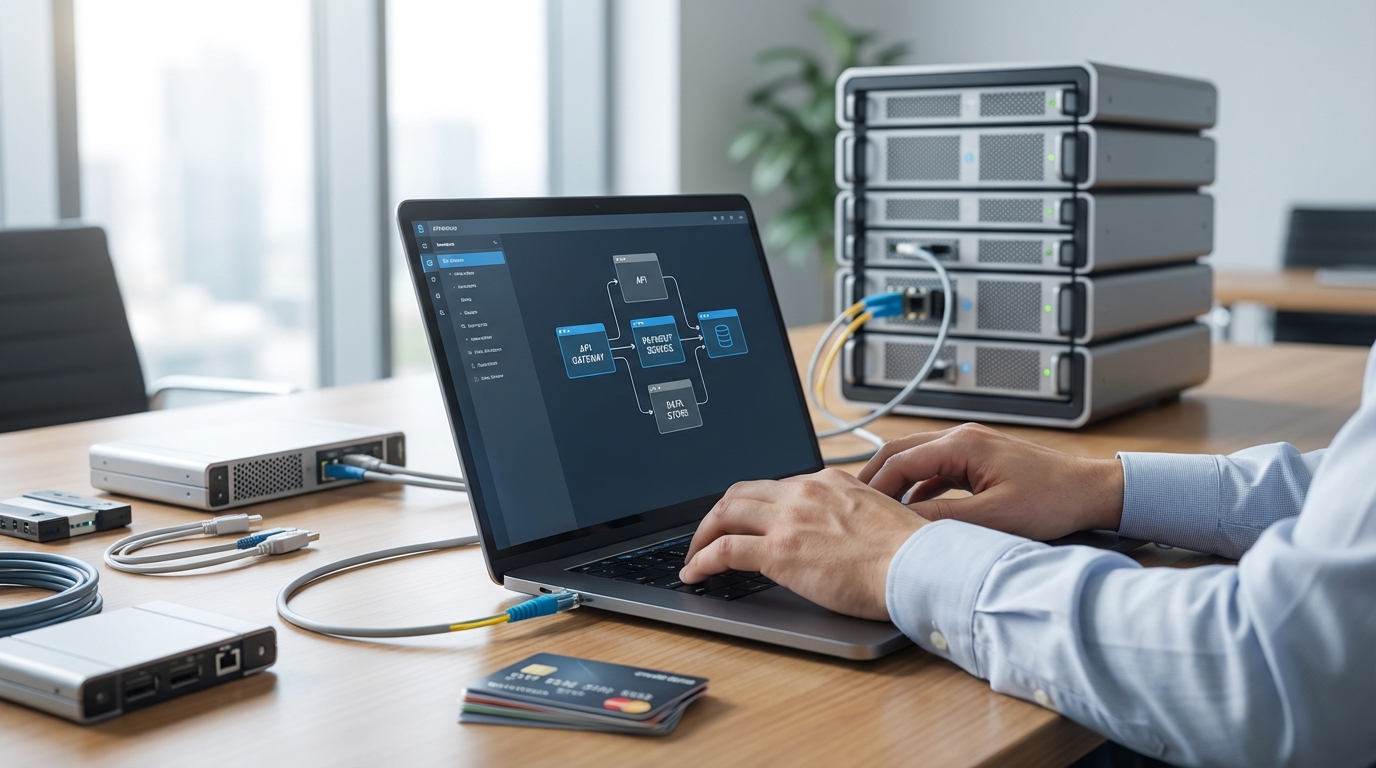
PayCloud's API-first approach enables direct integration with banking cores, issuer processors, and existing business platforms. This flexibility matters for businesses with established systems that need payment acceptance to flow into existing workflows.
Registering Your Business and Verifying Your Account
Account creation requires standard business documentation. Prepare your business registration documents, tax identification numbers, and banking information for deposit accounts. Sole proprietors typically need personal identification and may need to provide additional verification.
Verification timelines vary based on business type and risk assessment. Most straightforward retail businesses complete verification within one to three business days. Higher-risk categories or businesses with unusual characteristics may require additional documentation or extended review periods.
During verification, providers assess your business model, expected transaction volumes, and chargeback risk. Honest representation of your business prevents problems later. Misrepresenting your business type to obtain approval often results in account termination when actual activity doesn't match the application.
Once approved, you'll receive credentials to access the merchant portal and download the payment application. Take time to explore the portal's reporting features and configuration options before processing live transactions.
How to Process a Transaction Using Tap to Pay
The actual payment process is designed for simplicity, but understanding each step helps you train staff and troubleshoot issues when they arise.
Initiating the Payment in the App
Launch the payment application and enter the transaction amount. Most applications display a prominent number pad for quick entry. Double-check the amount before proceeding, as reversing completed transactions requires additional steps.
The application will prompt you to present the payment device. At this point, the phone's NFC reader activates and begins scanning for contactless cards or wallets. A visual indicator typically shows when the reader is active and ready.
Guide the customer to hold their card or phone near the back of your device, where the NFC antenna is typically located. The exact position varies by phone model. Most devices read cards best when they're held flat against the back, centered on the upper portion of the phone.
The transaction processes within seconds for most payments. The screen will display authorization status, and both devices may provide audio or haptic feedback confirming completion.
Handling Digital Receipts and Tips
Receipt delivery options typically include email, SMS, or printed receipts if you've connected a compatible Bluetooth printer. Digital receipts reduce paper costs and provide customers with searchable records. Collect customer contact information before completing the transaction if they prefer digital delivery.
Tip functionality varies by application configuration. Some solutions prompt customers to add gratuity before processing, while others enable tip adjustment after authorization. Service businesses should configure tip options during initial setup to match their operational preferences.
For businesses that add tips after authorization, understand the timing requirements. Most processors require tip adjustments within a specific window, typically 24 to 48 hours. Missed windows may require processing tips as separate transactions, complicating accounting.
Optimizing Your Mobile Checkout Experience
Technical functionality matters less than customer experience. The smoothest technology fails if customers feel confused or uncomfortable during transactions.
Best Practices for Customer Interaction
Verbal guidance helps customers unfamiliar with tap-to-pay technology. A simple phrase like "you can tap your card right here" while indicating your phone's back removes uncertainty. Avoid technical jargon that might confuse customers who simply want to complete their purchase.
Position your device at a comfortable height and angle for customers. Holding the phone too low forces customers to bend awkwardly. Angling the screen so customers can see the amount builds trust and reduces disputes.
Privacy considerations matter for transactions in public spaces. Shield the screen from bystanders when customers enter PINs or review amounts. This simple courtesy demonstrates professionalism and protects customer information.
Maintain your device's appearance. A cracked screen or dirty case creates negative impressions regardless of how well the technology functions. Your payment device represents your business during every transaction.
Troubleshooting Common NFC Connectivity Issues
Card positioning causes most failed tap attempts. NFC antennas have limited range, typically requiring cards within two to three centimeters. If initial taps fail, ask customers to hold their card steady rather than tapping repeatedly.
Phone cases occasionally interfere with NFC signals, particularly thick cases or those containing metal components. If you experience consistent reading problems, try removing your case temporarily to determine whether it's causing interference.
Some contactless cards have damaged antennas that prevent NFC communication even when the chip and magnetic stripe function normally. If a specific card repeatedly fails while others succeed, suggest the customer try a different payment method or contact their card issuer.
Battery levels below 15% may disable NFC functionality on some devices as a power-saving measure. Maintain adequate charge throughout business hours to prevent unexpected payment acceptance failures.
Future-Proofing Your Business with Mobile-First Payments
Consumer payment preferences continue shifting toward contactless methods. Businesses that establish mobile payment capabilities now position themselves for continued relevance as these trends accelerate.
The infrastructure you build today extends beyond simple payment acceptance. PayCloud's platform supports loyalty point accumulation, offer management, and multi-credential storage within the same ecosystem. These capabilities enable customer engagement strategies that differentiate your business from competitors still relying on traditional payment methods.
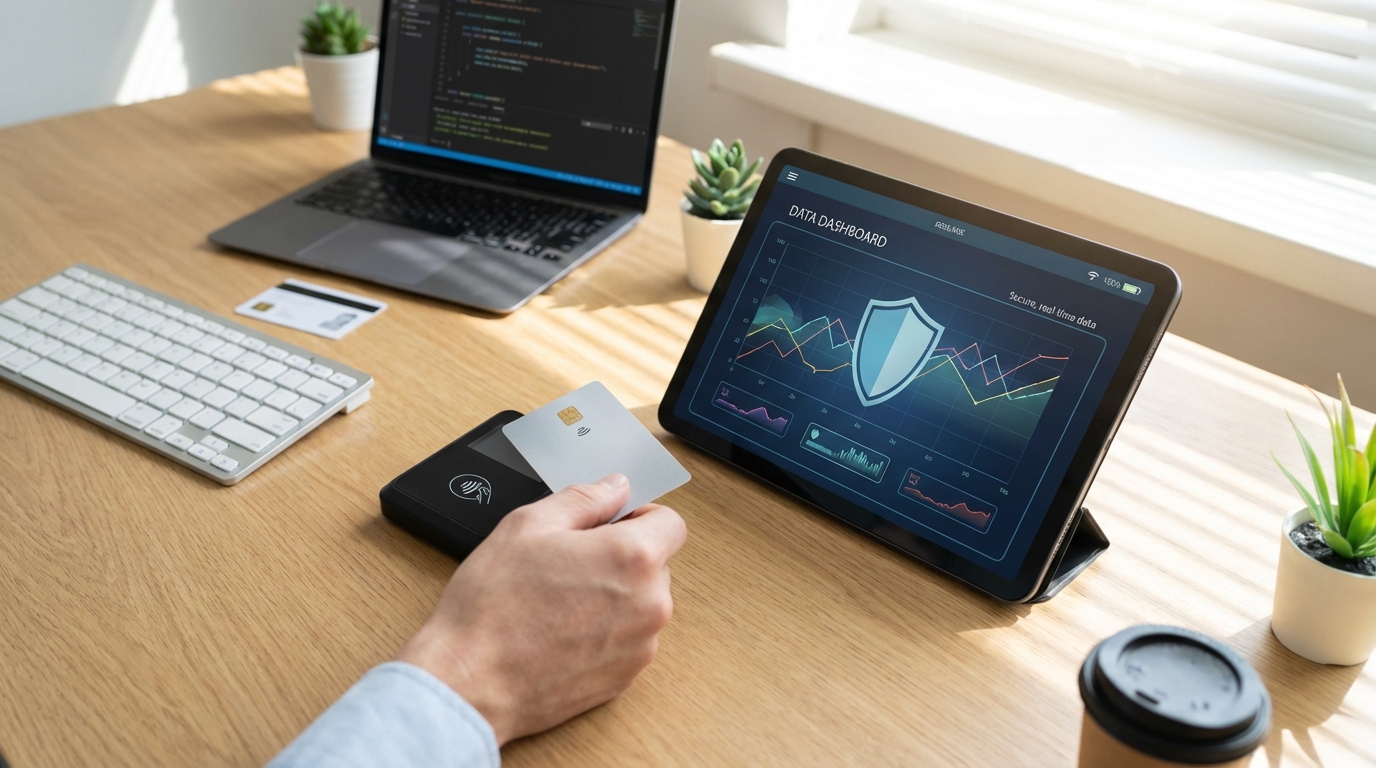
Real-time transaction data provides insights that batch-processed traditional terminals cannot match. Understanding purchase patterns, peak transaction times, and customer preferences enables better business decisions. The analytics available through modern softPOS platforms often exceed what legacy systems provide.
As payment technology continues evolving, software-based solutions adapt more readily than hardware-dependent systems. Updates deploy automatically, new features become available without equipment replacement, and security patches apply immediately across all devices. This flexibility protects your investment against technological obsolescence.
The path forward is clear: mobile-first payment acceptance has moved from novelty to necessity for businesses that want to meet customers where they are. Whether you're launching a new venture or modernizing an established operation, softPOS technology provides the foundation for payment acceptance that grows with your business. The question isn't whether to adopt these capabilities, but how quickly you can implement them.



.svg)